Frequently asked questions
How does the 30 day trial work?
It's as easy as clicking sign up. There is no commitment to become a paying customer, and no card details are required. You can access all the features of a paying customer and take advantage of the help guides to figure out if mybridal will work for your business.
What's the best way to get started?
Sign up for a free trial. Once you have done that you can access the help guides, which talk through the main features. Someone will be in touch to see if you need any support with imports, or just getting started. A demo can also be arranged so you can see how mybridal would be best set up for you.
There's something I wish the system would do. What's the best way to deal with this?
Please just let us know. Every store is unique and new ideas are welcome. The aim is to implement new features in as little as a week, depending on the size of the change. Email help@mybridalsoftware.com or use the chat in the help section.
Can I bring my existing customers and stock with me?
Yes. Products, customers, sales, orders and appointments can be moved across from spreadsheets or another bridal system. Importing is included for FREE with every plan. Email help@mybridalsoftware.com and the team will tell you what they need.
Is there a minimum contract?
No. The trial does not need a card, so you can stop before you pay anything. After that it just rolls on each month. You can cancel at any time by emailing help@mybridalsoftware.com, and you keep access until the end of the month you have already paid for.
Can we use it on a phone, tablet or iPad in the shop?
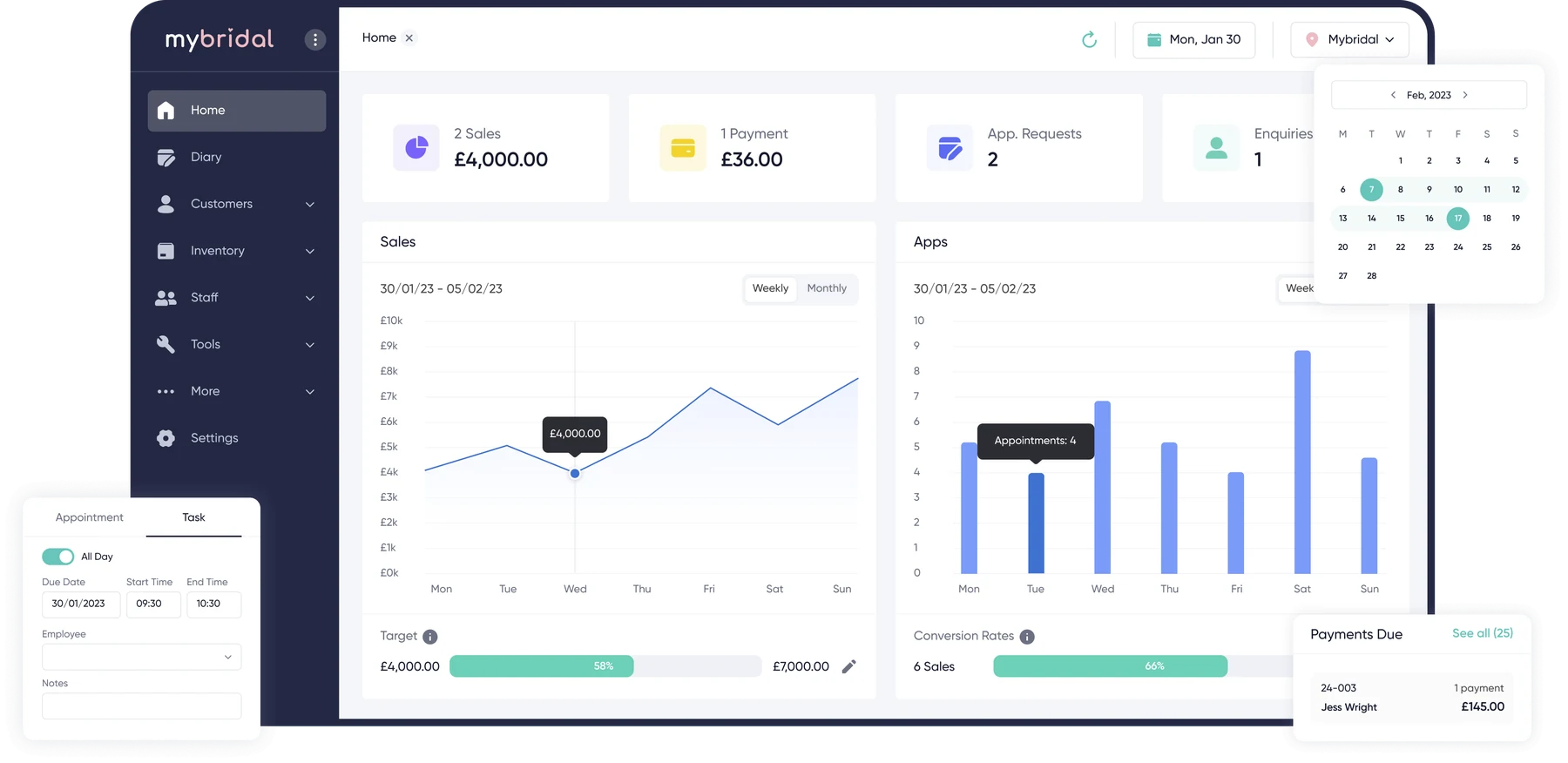
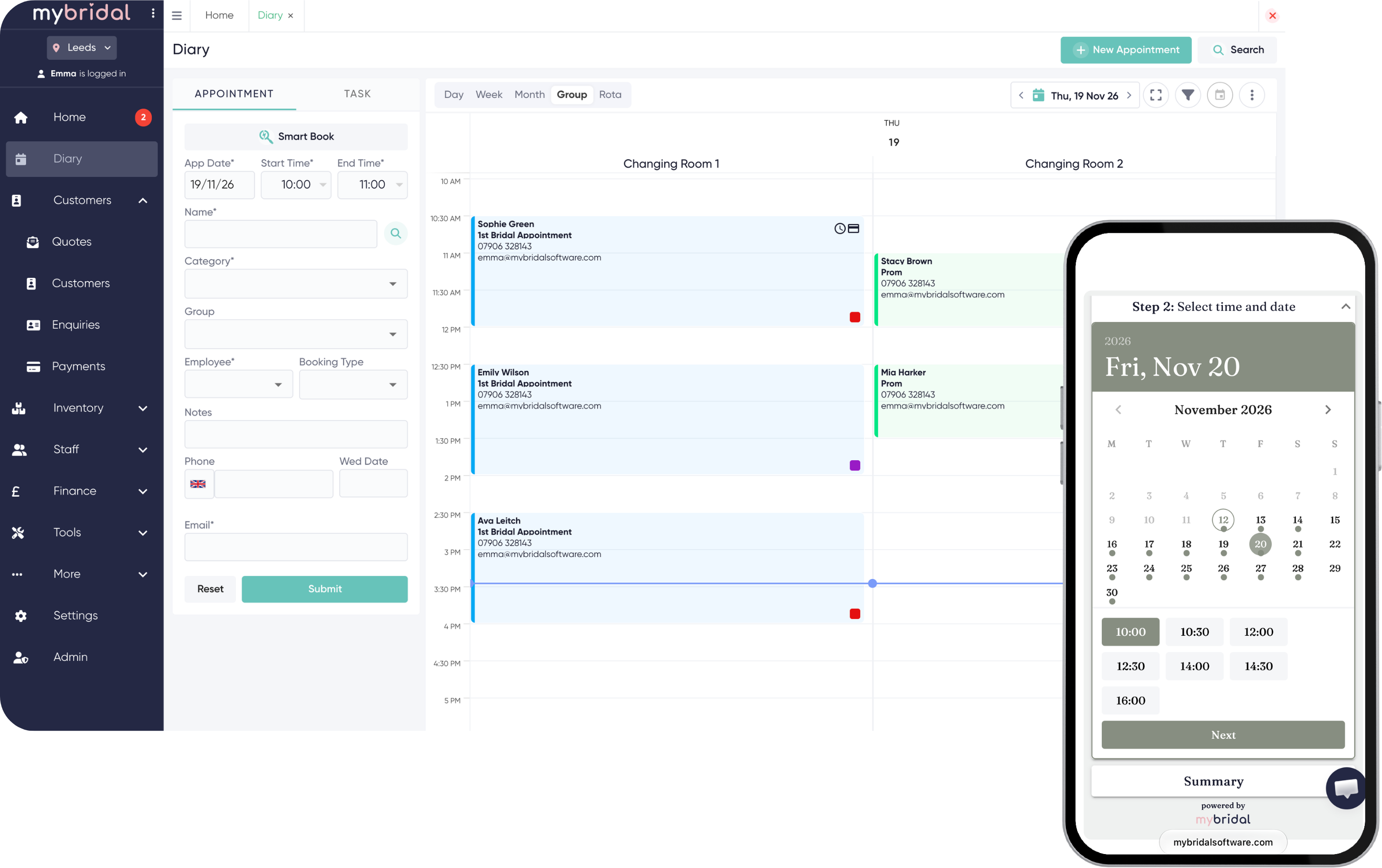
Yes. mybridal runs in the browser, so the team can look up a bride, check an order or take a payment on a computer, tablet, iPad or phone.
I'm not a bridal store. Is it suitable?
Yes! We have many other businesses using mybridal, including prom stores, mother of the bride businesses, menswear and alterations services.